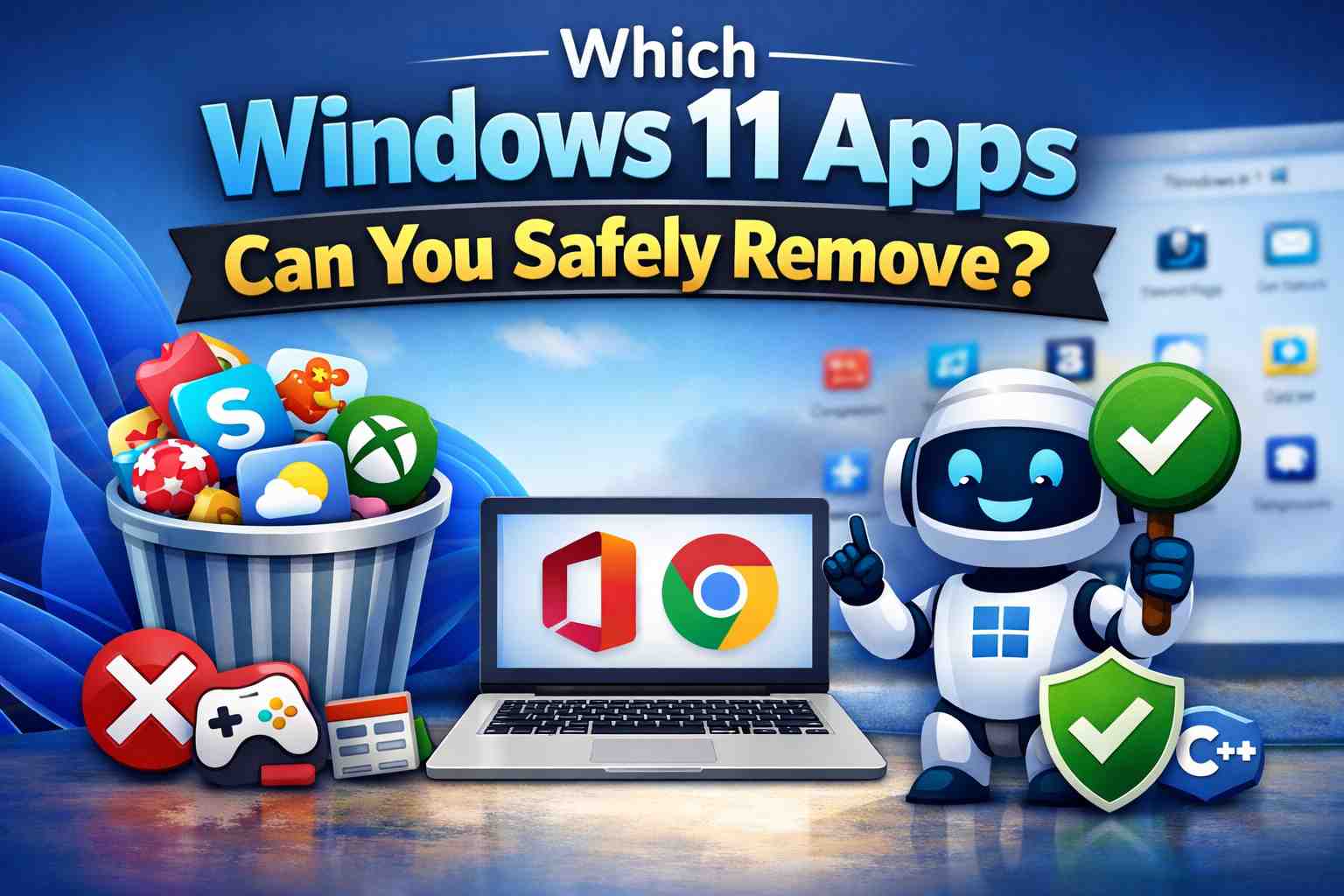
Easy Guide for Office and Chrome Users
Windows 11 comes with many pre-installed apps. Many users wonder:
“Can I delete these apps safely?”
This article is written in easy English for people who mainly use:
- Microsoft Office (Word, Excel, PowerPoint)
- Google Chrome
If you rarely use other apps, this guide will help you clean up your PC safely.
✅ Apps You Can Safely Remove
🎮 Games and Entertainment Apps
These apps are not needed for Office or Chrome.
- Candy Crush and other pre-installed games
- Solitaire Collection
- Xbox
- Xbox Console Companion
- Xbox Game Bar (if you do not play games)
📰 News and Daily Life Apps
If you check information using a web browser, you can remove these apps.
- News
- Weather
- Maps
- Tips / Get Help
- Feedback Hub
💬 Communication Apps
If you do not use them for work or school, you can uninstall them.
- Skype
- Microsoft Teams (personal version)
- People (Contacts)
🎧 Media Apps
If your main use is Office work, these apps are often unnecessary.
- Groove Music
- Movies & TV
- Voice Recorder
⚠️ Apps You May Remove (Check First)
You can remove these apps if you do not use them often.
They can be reinstalled later from Microsoft Store.
- OneNote (if you only use Word and Excel)
- Clipchamp (video editor)
- Paint 3D
- Photos (if you view images in Chrome)
❌ Apps You Should NOT Remove (Important)
These apps are important for Windows and Office stability.
- Microsoft Edge (needed inside Windows, even if you use Chrome)
- Windows Security / Microsoft Defender
- Visual C++ Redistributable Packages
- .NET components
- Microsoft Store
- Settings and Windows Update related apps
Removing these may cause system problems.
🛠 How to Uninstall Apps Safely
- Open Settings
- Click Apps
- Select Installed apps
- Choose the app you do not need
- Click Uninstall
If the uninstall button is not available, the app is usually required by Windows.
🎯 Best Setup for Office & Chrome Users
Keep These Apps
- Windows system apps
- Microsoft Office
- Google Chrome
- Security-related apps
Apps You Can Remove
- Games
- News and weather apps
- Xbox, Skype, and media apps
Summary
Windows 11 includes many apps that you may never use.
If you mainly use Office and Chrome, removing unused apps can:
- Make your PC start faster
- Free up storage space
- Make your system easier to manage
When in doubt, ask yourself:
“Is this app needed for Office or Chrome?”
If the answer is no, it is usually safe to remove it.