A Simple Way to Protect Your Privacy
Many people use an Apple Watch every day.
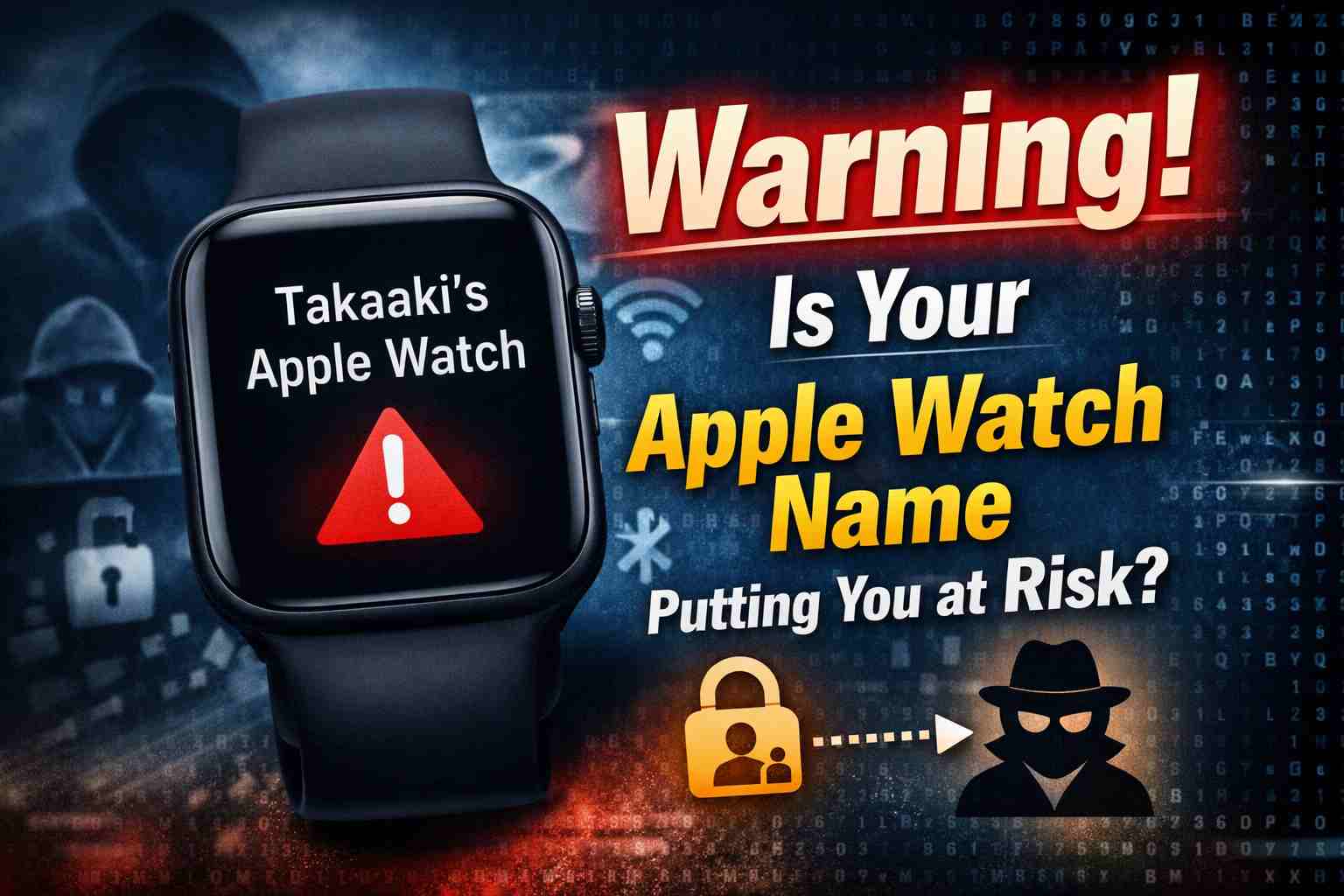
But did you know that the name of your Apple Watch can affect your privacy and security?
In this article, we explain:
- Why your Apple Watch name can be risky
- What names you should avoid
- How to choose a safe name
No technical knowledge is needed. Let’s keep it simple.
Why Is Your Apple Watch Name Important?
Your Apple Watch name is not always private.
Other people may see it in these situations:
- When Bluetooth devices are nearby
- During AirDrop or wireless sharing
- On public Wi-Fi or office networks
- If your Apple Watch is lost or stolen
This means your watch name can be seen by strangers.
Examples of Dangerous Apple Watch Names
Some names can reveal too much personal information.
❌ Bad examples:
- John’s Apple Watch
- Dr. Smith Apple Watch
- Tokyo Clinic Watch
- John’s Watch
From these names, others may guess:
- Your real name
- Your job or workplace
- Your social status
This information can be used for scams or identity theft.
Safe Apple Watch Name Examples (Recommended)
The best rule is simple:
👉 Do not use your name or personal details.
Good and safe examples:
- Apple Watch
- Watch Series 9
- AW-01
- My Watch
If you have multiple devices:
- Watch-S9
- Watch-Ultra2
- AW-Black
These names do not identify you as a person, so they are much safer.
Names You Should Avoid
Do NOT include:
- Your real name or nickname
- Company, hospital, or school name
- Titles like “Doctor”, “CEO”, “Professor”
- Family roles like “Dad”, “Mom”, “Son”
Always think:
“Would I be okay if a stranger sees this name?”
How to Change Your Apple Watch Name
It only takes one minute.
- Open the Watch app on your iPhone
- Tap General
- Tap About
- Tap Name
- Enter a safe name
The new name will update automatically.
Extra Tips to Stay Safe
✔ Turn off Bluetooth when not needed
✔ Set AirDrop to Contacts Only or Receiving Off
✔ Make sure Find My is enabled
Small settings can make a big difference.
Conclusion
Your Apple Watch is a powerful device.
But a simple name setting can expose your privacy.
Remember:
- Keep your watch name simple
- Remove all personal information
- Use model names or numbers only
A safer name means better protection.